

Building your own business website can feel exciting – but it’s also easy to stumble into pitfalls, especially for non-technical founders. Many lean on WordPress (which powers ~43% of sites) or other builders, hoping to save money. With enthusiasm, however, common DIY website mistakes happen: confusing navigation, slow pages, or no mobile site, to name a few. The good news is, these are all fixable. Below we break down 10 specific mistakes and quick, practical fixes, so you can turn your site around. These are website design tips for founders like you: clear, motivational advice that won’t overwhelm.
Table of contents
- 1. Skipping a Clear Plan for Your Site
- 2. Overwhelming Visitors with Too Much Text or Jargon
- 3. Confusing Navigation or Missing Calls-to-Action
- 4. Ignoring Mobile Users
- 5. Having a Slow, Heavy Website
- 6. Overlooking SEO Basics
- 7. Inconsistent or Cluttered Design
- 8. Skipping Essential Pages or Features
- 9. Neglecting Security: No Backups or Updates
- 10. Overloading on Plugins or Themes
1. Skipping a Clear Plan for Your Site
Mistake: Diving in without a roadmap. It’s tempting to “just start building”, but many founders jump right into customizing a theme or adding pages without planning what content goes where. The result? A jumble of pages and sections that don’t connect, which feels chaotic to visitors.
Quick fix: Before logging into WordPress or your site builder, outline your site. List the 3–5 main pages you need (Home, About, Services, Contact, etc.) and sketch out what goes on each. Think of this like planning a vacation: would you set off without directions? Of course not – you map out your stops first. The same goes for your site. Write down page titles, key sections, and even draft headlines. This little upfront work makes building so much smoother. As one designer notes, planning pages and menu items ahead “makes life a whole lot easier”.

Quick Fix Steps:
- Make a list of all pages you want. Keep it simple.
- Decide which pages go in the main menu vs. footer.
- For each page, jot its purpose and key content (headings, images, CTAs).
2. Overwhelming Visitors with Too Much Text or Jargon
Mistake: Cramming the site with walls of copy or stiff, corporate language. In an effort to impress, some founders flood pages with paragraphs of detailed info. The truth is, online readers have very short attention spans – studies show visitors decide in ~10 seconds whether to stay. If they see a dense page or overly formal tone, they’ll likely bounce. Worse, adopting a “big company” voice (“We at XYZ…”) can feel inauthentic. Many small founders “act like a big professional company to sound more legit” and end up with bland copy.

Quick fix: Be concise and conversational. Think like a visitor: what are the 2–3 key messages each page needs? Use short paragraphs, bullet lists, and clear headings. Break up text so it’s easy to scan. Also, write like you talk: ditch the stiff “we” if you’re solo – use “I” and infuse your personality. A friendly, personal tone builds trust (“know, like, trust” factor) much more than formal jargon.
Quick Fix Steps:
- Edit each paragraph: cut unnecessary words and jargon.
- Add subheadings and bullets to break content up.
- Read it aloud: does it sound like you talking? If it sounds too formal, rewrite it in a more natural voice.
3. Confusing Navigation or Missing Calls-to-Action
Mistake: Leaving visitors hanging. A common “DIY” trap is having a cluttered menu (the “everything and the kitchen sink”) or forgetting clear prompts for the next step. Packing the top menu with 10+ items overwhelms users. Equally bad is assuming people will figure out what to do next on their own. In reality, people “just want to be told what to do” – and if you don’t guide them, they’ll often leave.

Quick fix: Simplify and guide. Limit your main menu to 4–6 key items (Home, About, Services, Contact, etc.). Put any extras in a footer or dropdown. On each page, include at least one call-to-action (CTA) that tells the visitor what to do next – for example, “Book a free consult” or “Subscribe for tips”. This not only keeps people clicking through your site but can even boost your SEO (Google notices when users stay and click around, and rewards engaging sites).
Quick Fix Steps:
- Review your menu: keep only must-have pages (think 4–6 items max)
- Add a clear CTA button or link on each page (e.g. “Contact Us,” “Learn More”).
- Use simple wording (“Blog” instead of “Industry News & Updates”) so visitors instantly get it.
4. Ignoring Mobile Users
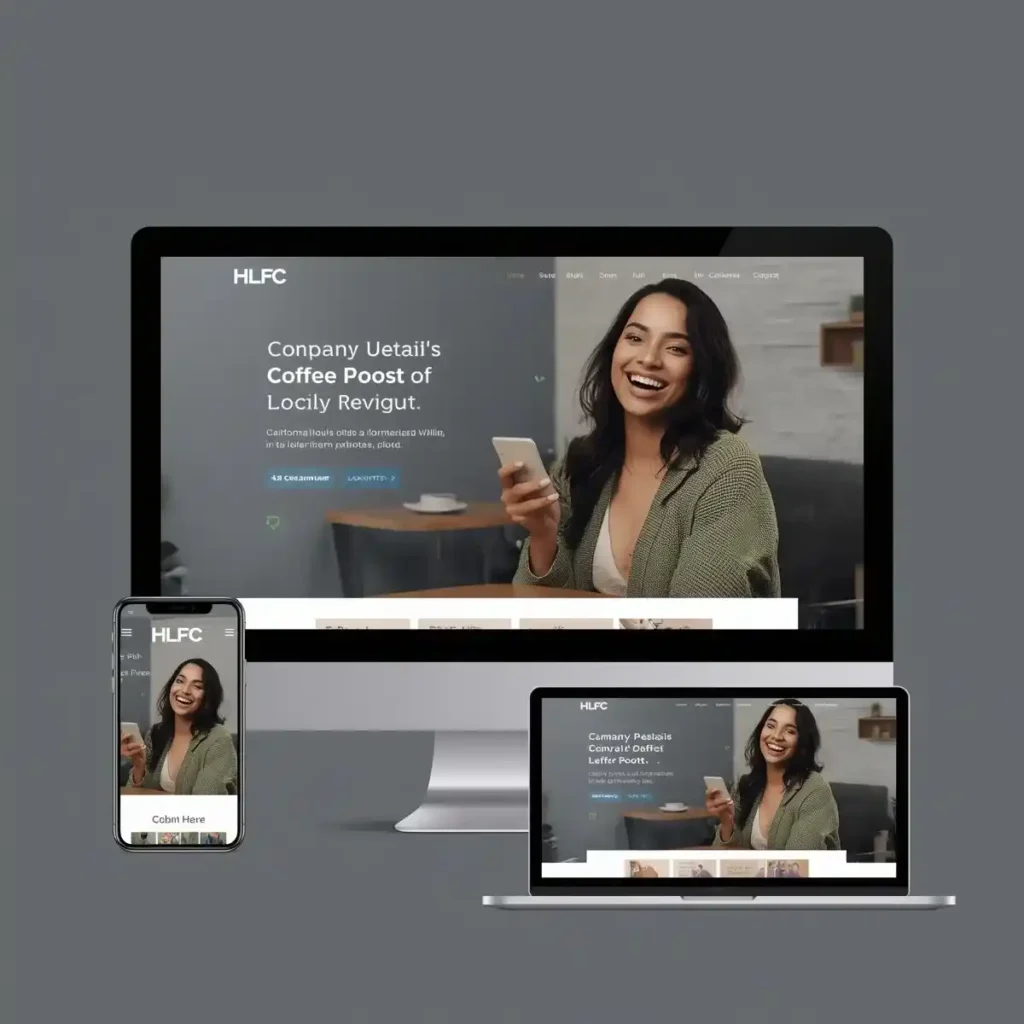
Mistake: Neglecting smartphones and tablets. In today’s world, most visitors browse on a phone. One designer found ~60% of her site’s traffic came from mobile viewers. Google data also shows 75% of users prefer mobile-friendly sites. If your site looks great on desktop but is broken or hard to read on mobile, you could be cutting off more than half your potential audience.
Quick fix: Choose a responsive theme or template that automatically adapts to different screen sizes. Nearly all modern site-builders (including WordPress themes) are responsive by default, but it’s crucial to check on a phone. Preview your pages on a smartphone: make sure text is legible, buttons are tappable, and images resize correctly. If something looks off, tweak the design – for example, use larger buttons or stacked columns. Most builders let you adjust mobile layouts separately. A little testing here can dramatically improve your site’s reach.
Quick Fix Steps:
- Preview your site on an actual phone or using your browser’s mobile simulator.
- Ensure menus turn into easy-to-tap icons, text is big enough, and images shrink nicely.
- If issues appear, switch to a well-rated responsive WordPress theme or adjust the mobile styling in your site editor.
5. Having a Slow, Heavy Website
Mistake: Overloading the site so pages take ages to load. Many DIY sites get bogged down by huge images, too many plugins/widgets, or unoptimized themes. The result? Even interested visitors will hit “back” if a page doesn’t appear quickly. In fact, 47% of people expect a site to load within 2 seconds, and 40% will abandon it after only 3 seconds of waiting. Every second of delay can knock 20% off your conversions.
Quick fix: Prioritize performance. First, optimize images: use JPEG/PNG at the right dimensions and compress them. (WordPress plugins like Smush or WP-Optimize can batch-compress and lazy-load images.) Next, limit plugins to only what you truly need – each extra plugin can slow you down. Consider adding a caching plugin (e.g. WP Rocket, W3 Total Cache) which serves stored versions of pages quickly. Finally, check your theme: even visually appealing themes can be bloated. A lightweight, well-coded theme (often those marketed for speed) can make a big difference. Google even rewards faster sites in search rankings. In short, trim any “fat” – your visitors (and Google) will thank you.
Quick Fix Steps:
- Resize and compress images before uploading (try free online tools or a WP image optimizer).
- Deactivate and remove any unnecessary plugins or widgets.
- Install a caching and optimization plugin to minify CSS/JS and speed up delivery.
- Test your page speed on tools like Google PageSpeed Insights and follow its suggestions.
6. Overlooking SEO Basics
Mistake: Publishing without telling Google what you’ve got. A live site is only useful if people can find it. Unfortunately, many DIY sites just go live and hope for traffic. But without SEO (Search Engine Optimization), you’re like a shop without a sign. WordPress beginner tip: use an SEO plugin (like Yoast or All in One SEO) to help. Make sure each page has a descriptive title tag and meta description (a short summary for search results). Use headings (H1, H2) to organize content, and include your main keyword (e.g. “WordPress beginner tips” or “website design tips for founders”) naturally in them. Also fill out alt text for images so Google knows what they are. Even the URL structure matters: a clear link like yourwebsite.com/about-us is better than the default “p=123” format. Good permalinks and keyword-rich content signal to search engines what your site is about. By handling these basics now, your site will have a much better chance of ranking and being found.
Quick Fix Steps:
- Install and set up an SEO plugin to guide you.
- Write unique title/meta descriptions for key pages.
- Use the “Post name” permalink setting in WordPress.
- Add relevant keywords (like “DIY website mistakes”) in headings and content, without overstuffing.
7. Inconsistent or Cluttered Design
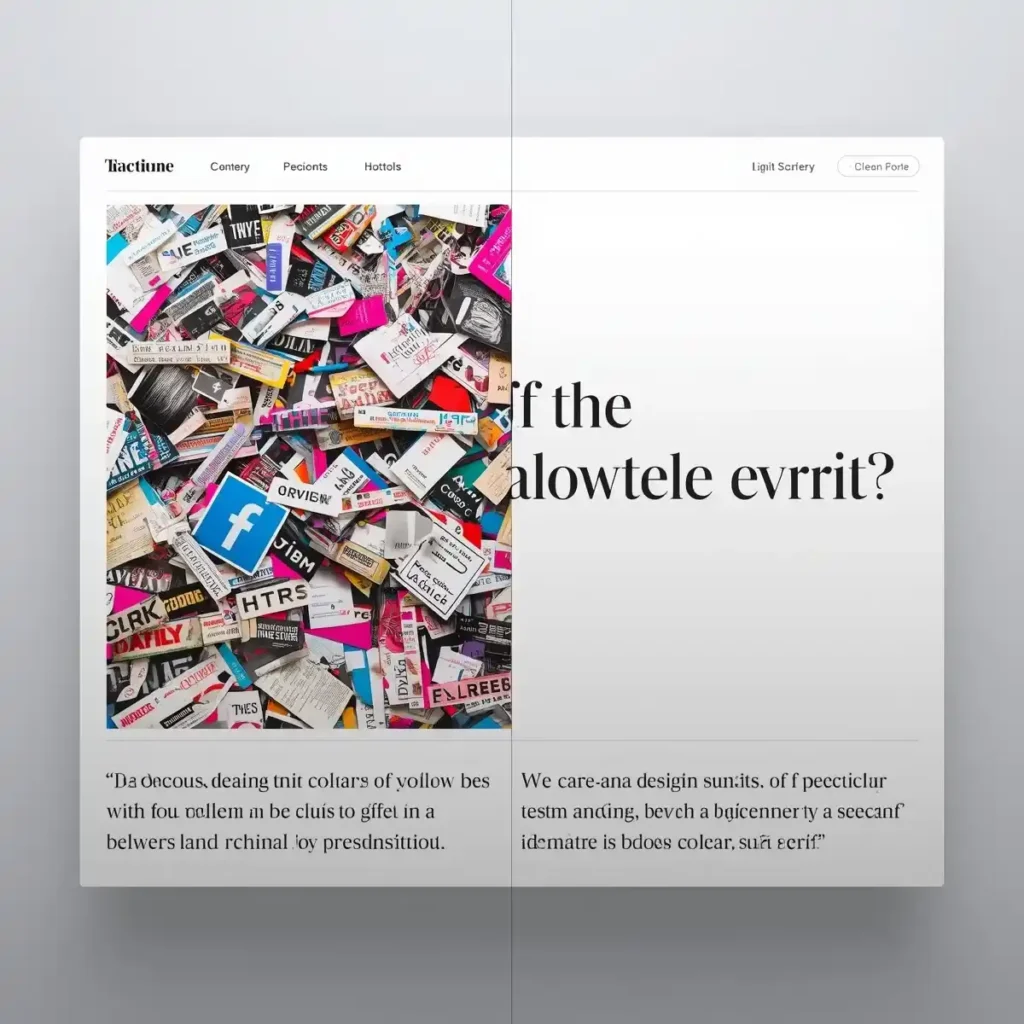
Mistake: Treating your site like a collage. DIY builders often make a page that clashes colors, fonts, or image styles – or conversely, fills every inch with content and graphics. The result is a site that feels “unprofessional and overwhelming”. For example, a page full of mismatched bright colors or an endless stream of images crushes user focus.
Quick fix: Aim for a clean, cohesive look. Stick to just 2–3 brand colors and use them consistently (e.g. one for headers/buttons, another for accents). Use only 1–2 fonts throughout (one for headings, one for body text) so everything feels unified. Embrace white space: give elements some breathing room. This not only looks better, it makes your call-to-action stand out. Also ensure any photos are high-quality and properly sized (avoid stretched or pixelated pictures). In short, less is more. A simple, on-brand design helps your message shine and leaves a professional impression.
Quick Fix Steps:
- Pick a simple color palette (often from your logo or brand art) and use it everywhere.
- Limit yourself to a couple of fonts; use headers consistently.
- Reduce on-screen clutter: remove unnecessary graphics or text blocks.
- Add margins/padding around sections so content isn’t crammed edge-to-edge.
8. Skipping Essential Pages or Features
Mistake: Leaving out key parts like a Contact page or email signup. You might focus on design and forget that visitors need easy ways to reach you. Not having a contact form or email link is “surprisingly common” among beginners. Similarly, missing an email opt-in (or even a basic Privacy Policy) can harm credibility. Every website needs at least an About, Contact, and some path to action.
Quick fix: Go through your site page by page: Do you have an About/About Us section (so people know who you are)? An easy Contact form or email link (so leads can find you)? A clear footer with additional links and possibly a newsletter sign-up? For WordPress, adding a contact form is straightforward with free plugins like WPForms Lite. Put that form on its own “Contact” page. If an email newsletter is part of your plan, include a simple subscription box (Mailchimp, ConvertKit, etc.). And don’t forget a nice professional email address (e.g. yourname@yourdomain.com) – it reinforces trust. These aren’t glamorous additions, but they keep interested visitors from slipping away.
Quick Fix Steps:
- Add or double-check your Contact page: include a working form or email and phone.
- Ensure an About page exists with your story/credentials.
- Consider an email signup form (even “Subscribe for updates”) to capture leads.
- Use a domain-based email address instead of a generic Gmail or hotmail.
9. Neglecting Security: No Backups or Updates
Mistake: Treating the site like “set it and forget it.” Once a DIY site is up, founders sometimes never look at it again – leaving core software outdated and without backups. This is dangerous. Outdated WordPress versions or plugins can be full of vulnerabilities; hackers scan the web for these. In fact, WP experts warn that letting updates pile up is a big, avoidable mistake. Likewise, not having backups means one crash or hack could wipe out months of work.
Quick fix: Make maintenance routine. Set up an automated backup solution now – plugins like UpdraftPlus or BackupBuddy can save copies of your site to cloud storage. (WPBeginner, for example, uses Duplicator to schedule remote backups.) That way you can restore if anything breaks. Also, apply updates regularly. WordPress core, theme, and plugin updates often include security patches. Clicking “Update” in your dashboard might feel risky, but it’s far riskier not to update. To stay safe, test major updates on a staging copy first, then go live. And consider a basic security plugin (Wordfence or Sucuri) to monitor for threats. A few minutes each month on maintenance goes a long way to protect your work.
Quick Fix Steps:
- Install a backup plugin and connect it to cloud storage (Dropbox, Google Drive, etc.).
- Update WordPress, plugins, and themes promptly when new versions release.
- Use a security plugin to automatically scan for malware or login attempts.
- Periodically log in and make sure everything looks right (no weird logins or content).
10. Overloading on Plugins or Themes
Mistake: Seeing the plugin directory as a shopping spree. WordPress has tens of thousands of plugins – but installing dozens without vetting is a recipe for trouble. Plugins (and themes) can conflict with each other, slow your site, or even bring security issues. Similarly, flipping themes often (it’s fun to try a new look!) can disrupt layouts and frustrate return visitors.
Quick fix: Choose carefully and sparingly. Before adding any plugin, check its reviews, compatibility, and update history. Only install well-rated plugins from reputable authors. Deactivate and delete ones you don’t really need. For themes, pick one solid theme and stick with it – as one expert advises, “constantly changing your theme after your site is live … can damage the brand recognition” you’re building. (A few simple, flexible themes for business use: Astra, OceanWP, or even lightweight page-builder frameworks.) Remember, the fewer moving parts, the fewer headaches.

Quick Fix Steps:
- Audit your current plugins: remove anything unused or outdated.
- Use the “Theme Check” plugin or reviews to pick a performance-focused theme.
- Test new plugins on a staging site if possible, and keep the count minimal.
- Whenever you try a new plugin or theme, watch your site speed and functionality.
Conclusion: Launching a website on your own is a big achievement – and it’s normal to make a few missteps along the way. The key is to learn from them quickly. By planning ahead, keeping the design simple, prioritizing mobile and speed, and not skipping essential features, you’ll turn those DIY website mistakes into wins. Remember, even small founders can create a polished, professional site with the right approach. Use these website design tips for founders as a checklist: fix what’s holding you back today, and you’ll have a powerful online presence tomorrow. You’ve got this! 😊